See the improvement, step by step
These are curated, authored examples, not a live translator. Pick one, then press Run the Flow to see a generic machine translation, the Optimust + Life Language Library correction, and the five-dimension Insight Center reveal in sequence.
Read product status, privacy posture, and pilot info on the Connect Cloud page →
Connect session
Select a scenario to begin.
Five dimensions, one counselor-facing readout
Connect Cloud is not just translation. The insight center gives the counselor a structured readout of what may matter in the moment.
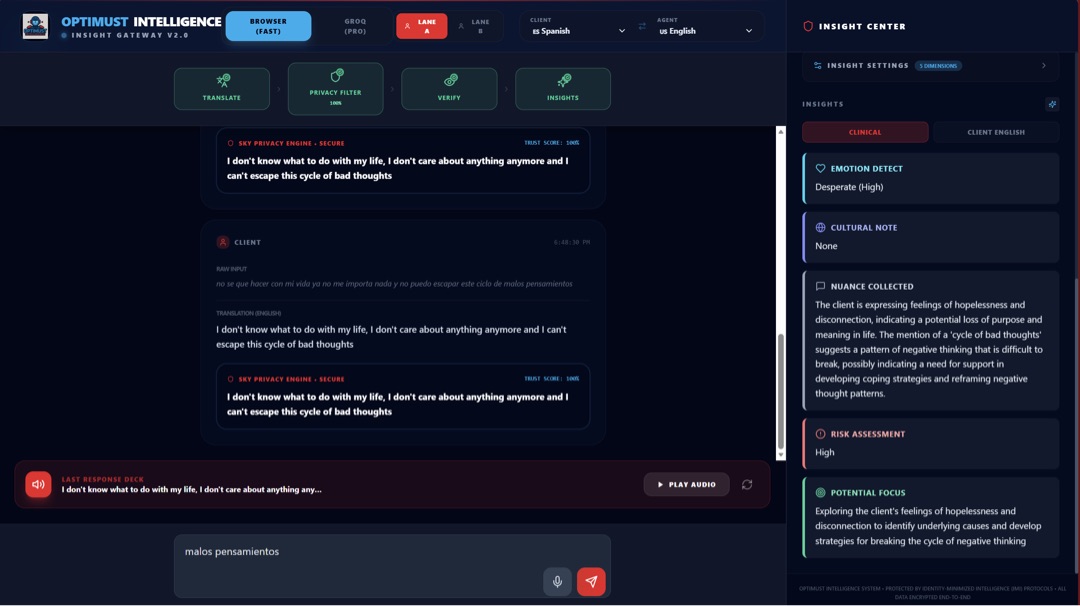
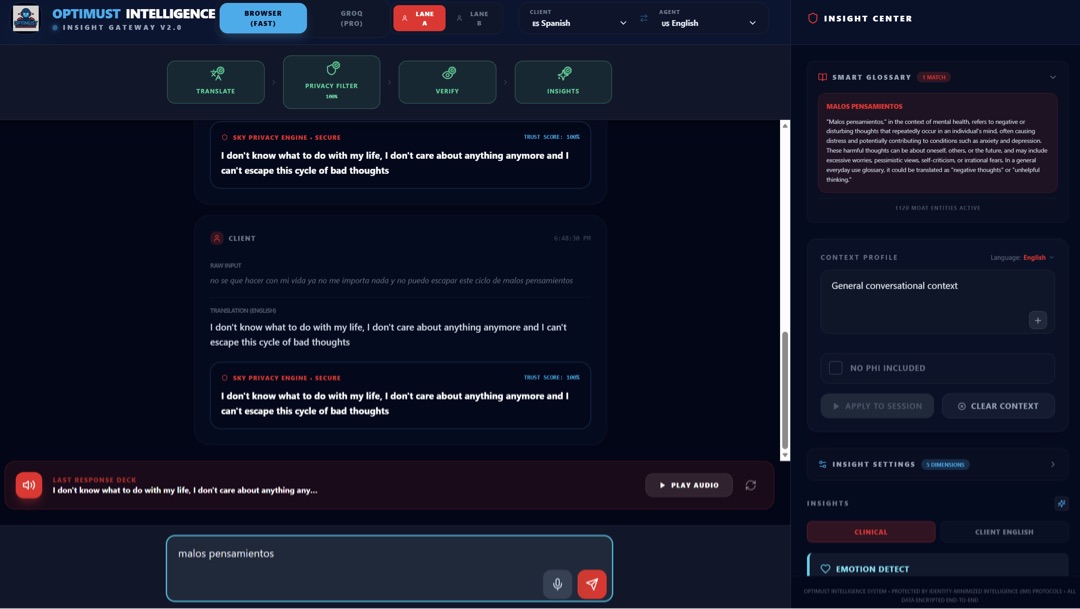
Real screens behind the demo
The simulator explains the workflow. These screens show the direction for Smart Glossary, context profile, and insight center surfaces.
Want to test this with a school team?
Use this demo as the product walkthrough, then move into the pilot page for implementation, district fit, privacy review, and counselor workflow questions.